
SRPGでユニットを配置するとき、「隣接すると能力が上がる」という仕組みを実装したい。
でも、どうやって実装すればいいのか分からない。
支援効果を実装すれば、ユニットの配置が戦略的に重要になります。
この記事では、隣接ボーナスから支援レベルまで、実装方法を詳しく解説します。
✨ この記事でわかること
- 隣接ボーナスシステムの実装
- 支援範囲の設計
- 支援レベルの実装
- 支援効果の種類
- 実装例とコード

支援効果は、まず隣接ボーナスから始めましょう。シンプルな構造が、拡張しやすくなります。
\あなたにピッタリのシミュレーションゲーム制作講座を見つけよう!/
おすすめ第1位
経営シミュレーション×
農場ゲームの作り方講座
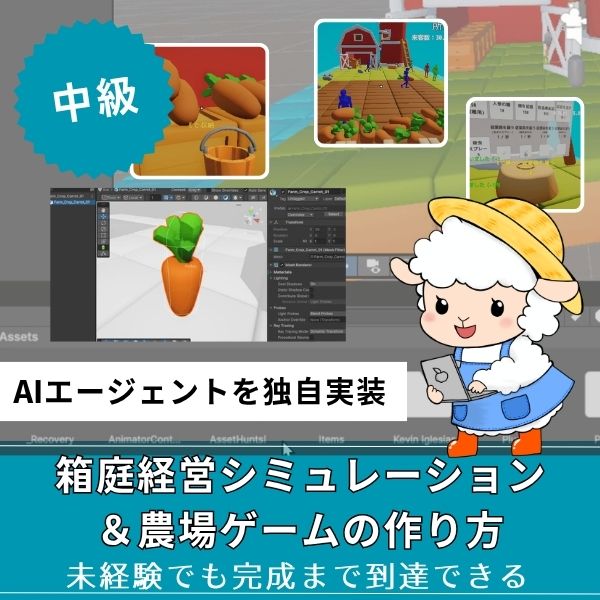
Unity6対応・農場×経営の2ジャンル融合。AIエージェントを独自実装できる唯一の講座。未経験でも完成まで到達できる丁寧な解説が魅力。
本格派・高難易度
UnityシミュレーションRPG
の作り方講座(SRPG)
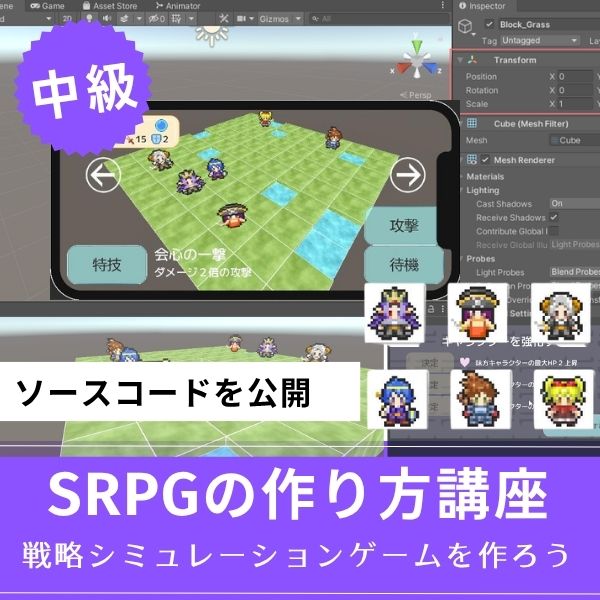
本格SRPGのAI設計・グリッドシステムを全16回で習得。制作難易度が高いSRPGを作れるスキルは、他と大きく差がつく強みになります。
初心者にもおすすめ
Unity ノンフィールドRPG
+スレスパ風JRPG講座
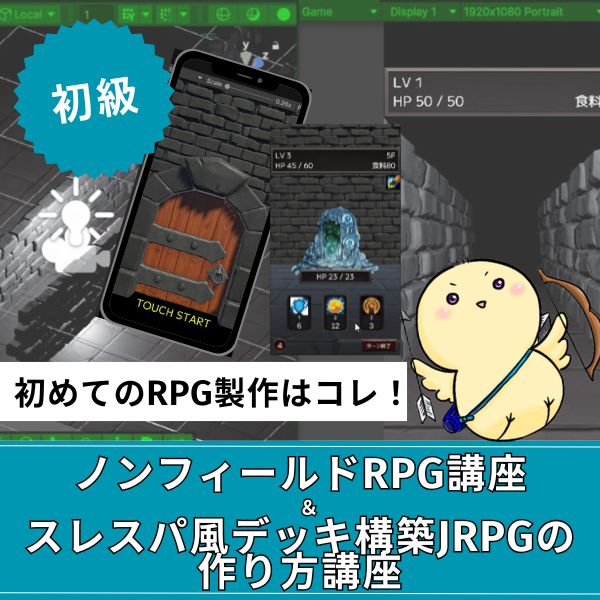
Slay the Spire風デッキ構築×JRPGをUnityで実装。Unity6・スマホ化対応で、初心者がゲーム開発の第一歩を踏み出すのに最適な講座です。
あなたのオリジナルゲーム、今年こそ完成させませんか?
RPG・アクション・ホラー…Unityで本格ゲームを作りたい人のための学習サイトです。
実際に完成するゲームを題材に、
ソースコード・素材・プロジェクト一式をすべて公開。
仕事や学校の合間の1〜2時間でも、
「写経→改造」で自分のゲームまで作りきれる環境です。
隣接ボーナスシステムの実装

隣接ボーナスは、隣接するユニットに効果を与えます。
実装方法を紹介します。
隣接判定システム
|
1 2 3 4 5 6 7 8 9 10 11 12 13 14 15 16 17 18 19 20 21 22 23 24 25 26 27 28 29 30 31 32 33 34 35 36 37 38 39 40 41 42 43 44 45 46 47 48 49 50 51 52 53 54 55 56 57 58 59 60 61 62 |
using UnityEngine; using System.Collections.Generic; public class AdjacencyBonusSystem : MonoBehaviour { public GridSystem gridSystem; public List<Unit> GetAdjacentUnits(Unit unit) { List<Unit> adjacentUnits = new List<Unit>(); Vector2Int pos = unit.position; // 上下左右の4方向をチェック Vector2Int[] directions = new Vector2Int[] { new Vector2Int(0, 1), // 上 new Vector2Int(0, -1), // 下 new Vector2Int(1, 0), // 右 new Vector2Int(-1, 0) // 左 }; foreach (var dir in directions) { Vector2Int checkPos = pos + dir; Unit adjacentUnit = gridSystem.GetUnitAt(checkPos); if (adjacentUnit != null && adjacentUnit.team == unit.team) { adjacentUnits.Add(adjacentUnit); } } return adjacentUnits; } public SupportBonus CalculateSupportBonus(Unit unit) { List<Unit> adjacentUnits = GetAdjacentUnits(unit); SupportBonus bonus = new SupportBonus(); foreach (var adjacent in adjacentUnits) { // 各ユニットからの支援効果を加算 bonus.attackBonus += 2; bonus.defenseBonus += 2; bonus.accuracyBonus += 5; bonus.evasionBonus += 5; } return bonus; } } [System.Serializable] public class SupportBonus { public int attackBonus = 0; public int defenseBonus = 0; public int accuracyBonus = 0; public int evasionBonus = 0; } |
このコードで、隣接ボーナスシステムが実装できます。
隣接するユニットの数に応じて、ボーナスが加算されます。
実装手順
ステップ1:スクリプトファイルを作成
- UnityのProjectウィンドウで右クリック
- Create → C# Script
- 名前を「AdjacencyBonusSystem」に変更
ステップ2:コードを書く
上記のコードをコピーして、スクリプトに貼り付けます。
ステップ3:スクリプトをアタッチ
- Hierarchyで空のGameObjectを作成
- Inspectorで「Add Component」をクリック
- 「AdjacencyBonusSystem」を選択
ステップ4:GridSystemを設定
- GridSystemコンポーネントを持つGameObjectを用意
- AdjacencyBonusSystemの「Grid System」フィールドにドラッグ&ドロップ
ステップ5:実行して確認
再生ボタンを押して、隣接判定が動作するか確認しましょう。
⚠️ よくあるエラー
- NullReferenceException:GridSystemが設定されていない → InspectorでGridSystemを設定
- ユニットが見つからない:GridSystem.GetUnitAt()が正しく実装されていない → GridSystemの実装を確認
- ボーナスが適用されない:CalculateSupportBonus()の結果をダメージ計算に組み込んでいない → ダメージ計算時にボーナスを加算
支援範囲の設計
支援範囲は、効果が及ぶ範囲を定義します。
設計方法を紹介します。
範囲支援システム
|
1 2 3 4 5 6 7 8 9 10 11 12 13 14 15 16 17 18 19 20 21 22 23 24 25 26 27 28 29 30 31 32 33 34 35 36 37 38 39 40 41 42 43 44 45 46 47 48 49 50 |
public class RangeSupportSystem : MonoBehaviour { public GridSystem gridSystem; public List<Unit> GetUnitsInRange(Unit unit, int range) { List<Unit> unitsInRange = new List<Unit>(); Vector2Int center = unit.position; // 範囲内のユニットを取得 for (int x = -range; x <= range; x++) { for (int z = -range; z <= range; z++) { float distance = Mathf.Sqrt(x * x + z * z); if (distance <= range) { Vector2Int checkPos = center + new Vector2Int(x, z); Unit targetUnit = gridSystem.GetUnitAt(checkPos); if (targetUnit != null && targetUnit.team == unit.team && targetUnit != unit) { unitsInRange.Add(targetUnit); } } } } return unitsInRange; } public SupportBonus CalculateRangeSupport(Unit unit, int range) { List<Unit> unitsInRange = GetUnitsInRange(unit, range); SupportBonus bonus = new SupportBonus(); // 距離に応じて効果を減衰 foreach (var target in unitsInRange) { float distance = Vector2Int.Distance(unit.position, target.position); float multiplier = 1f - (distance / range) * 0.5f; // 距離が遠いほど効果が減る bonus.attackBonus += Mathf.RoundToInt(2 * multiplier); bonus.defenseBonus += Mathf.RoundToInt(2 * multiplier); } return bonus; } } |
このコードで、範囲支援システムが実装できます。
範囲内のユニットに、距離に応じた効果を与えます。
実装手順
ステップ1:RangeSupportSystemスクリプトを作成
- Projectウィンドウで右クリック → Create → C# Script
- 名前を「RangeSupportSystem」に変更
- 上記のコードを貼り付け
ステップ2:GridSystemを設定
AdjacencyBonusSystemと同様に、GridSystemを設定します。
ステップ3:範囲を指定して使用
|
1 2 3 4 |
// 使用例 RangeSupportSystem rangeSystem = GetComponent<RangeSupportSystem>(); SupportBonus bonus = rangeSystem.CalculateRangeSupport(unit, 2); // 範囲2マス |
支援範囲は、1マス(隣接)が基本です。範囲を広げると、戦略性が高まりますが、複雑になります。
支援レベルの実装

支援レベルは、ユニット間の関係性を表します。
実装方法を紹介します。
支援レベル管理システム
|
1 2 3 4 5 6 7 8 9 10 11 12 13 14 15 16 17 18 19 20 21 22 23 24 25 26 27 28 29 30 31 32 33 34 35 36 37 38 39 40 41 42 43 44 45 46 47 48 49 50 51 52 53 54 55 56 57 58 59 60 61 62 63 64 65 66 67 68 69 70 71 72 73 74 75 76 77 78 79 80 81 82 83 84 85 86 87 88 89 90 91 92 93 94 95 96 97 98 |
[System.Serializable] public class SupportRelationship { public Unit unitA; public Unit unitB; public int supportLevel = 0; // 0〜3 public int supportPoints = 0; // 支援ポイント } public class SupportLevelSystem : MonoBehaviour { public List<SupportRelationship> relationships = new List<SupportRelationship>(); public void IncreaseSupportPoints(Unit unitA, Unit unitB, int points) { SupportRelationship relationship = GetRelationship(unitA, unitB); if (relationship == null) { relationship = new SupportRelationship { unitA = unitA, unitB = unitB }; relationships.Add(relationship); } relationship.supportPoints += points; // 支援レベルを更新 UpdateSupportLevel(relationship); } void UpdateSupportLevel(SupportRelationship relationship) { int oldLevel = relationship.supportLevel; if (relationship.supportPoints >= 100) { relationship.supportLevel = 3; } else if (relationship.supportPoints >= 50) { relationship.supportLevel = 2; } else if (relationship.supportPoints >= 20) { relationship.supportLevel = 1; } if (oldLevel != relationship.supportLevel) { Debug.Log($"支援レベルが{oldLevel}から{relationship.supportLevel}に上がりました!"); } } SupportRelationship GetRelationship(Unit unitA, Unit unitB) { return relationships.Find(r => (r.unitA == unitA && r.unitB == unitB) || (r.unitA == unitB && r.unitB == unitA)); } public SupportBonus GetSupportBonus(Unit unitA, Unit unitB) { SupportRelationship relationship = GetRelationship(unitA, unitB); if (relationship == null) { return new SupportBonus(); } SupportBonus bonus = new SupportBonus(); // 支援レベルに応じてボーナスを設定 switch (relationship.supportLevel) { case 1: bonus.attackBonus = 2; bonus.defenseBonus = 2; break; case 2: bonus.attackBonus = 4; bonus.defenseBonus = 4; bonus.accuracyBonus = 5; break; case 3: bonus.attackBonus = 6; bonus.defenseBonus = 6; bonus.accuracyBonus = 10; bonus.evasionBonus = 10; break; } return bonus; } } |
このコードで、支援レベル管理システムが実装できます。
支援ポイントが増えると、支援レベルが上がります。
実装手順
ステップ1:SupportRelationshipクラスを作成
Scriptsフォルダ内に「SupportRelationship.cs」を作成し、上記のクラス定義を貼り付けます。
ステップ2:SupportLevelSystemスクリプトを作成
同様に「SupportLevelSystem.cs」を作成し、コードを貼り付けます。
ステップ3:戦闘時に支援ポイントを増やす
|
1 2 3 4 5 6 7 8 9 10 |
// 戦闘終了時に呼び出す void OnBattleEnd(Unit unitA, Unit unitB) { // 隣接していたら支援ポイントを増やす if (IsAdjacent(unitA, unitB)) { supportLevelSystem.IncreaseSupportPoints(unitA, unitB, 5); } } |
⚠️ よくあるエラー
- 支援ポイントが増えない:IncreaseSupportPoints()が呼ばれていない → 戦闘終了時に呼び出す処理を追加
- 支援レベルが上がらない:支援ポイントの閾値が高すぎる → 20、50、100の値を調整
支援効果の種類

支援効果の種類は、戦略性を決めます。
種類を紹介します。
基本支援効果
✅ 基本支援効果の種類
- 攻撃ボーナス:攻撃力+2〜6
- 防御ボーナス:防御力+2〜6
- 命中ボーナス:命中率+5〜10%
- 回避ボーナス:回避率+5〜10%
特殊支援効果
|
1 2 3 4 5 6 7 8 9 10 11 12 13 14 15 16 17 18 19 20 21 22 23 24 25 26 27 28 29 30 31 32 33 34 |
public enum SupportEffectType { AttackBonus, // 攻撃ボーナス DefenseBonus, // 防御ボーナス AccuracyBonus, // 命中ボーナス EvasionBonus, // 回避ボーナス CriticalBonus, // クリティカルボーナス MovementBonus // 移動力ボーナス } public class SpecialSupportEffect : MonoBehaviour { public SupportBonus CalculateSpecialBonus(Unit unit, List<Unit> supporters) { SupportBonus bonus = new SupportBonus(); foreach (var supporter in supporters) { // 特殊な支援効果を適用 if (supporter.hasCriticalSupport) { bonus.criticalBonus += 5; } if (supporter.hasMovementSupport) { bonus.movementBonus += 1; } } return bonus; } } |
特殊な支援効果を追加することで、戦略性が高まります。
実装例:完全な支援効果システム
実際に使える、完全な支援効果システムの実装例を紹介します。
|
1 2 3 4 5 6 7 8 9 10 11 12 13 14 15 16 17 18 19 20 21 22 23 24 25 26 27 28 29 30 31 |
using UnityEngine; public class CompleteSupportSystem : MonoBehaviour { [Header("システム")] public AdjacencyBonusSystem adjacencySystem; public RangeSupportSystem rangeSystem; public SupportLevelSystem levelSystem; public SupportBonus CalculateTotalSupportBonus(Unit unit) { SupportBonus totalBonus = new SupportBonus(); // 隣接ボーナス SupportBonus adjacencyBonus = adjacencySystem.CalculateSupportBonus(unit); totalBonus.attackBonus += adjacencyBonus.attackBonus; totalBonus.defenseBonus += adjacencyBonus.defenseBonus; // 支援レベルボーナス List<Unit> adjacentUnits = adjacencySystem.GetAdjacentUnits(unit); foreach (var adjacent in adjacentUnits) { SupportBonus levelBonus = levelSystem.GetSupportBonus(unit, adjacent); totalBonus.attackBonus += levelBonus.attackBonus; totalBonus.defenseBonus += levelBonus.defenseBonus; } return totalBonus; } } |
このコードで、完全な支援効果システムが実装できます。
隣接ボーナス、範囲支援、支援レベルを統合しています。
実装手順
ステップ1:CompleteSupportSystemスクリプトを作成
- Projectウィンドウで右クリック → Create → C# Script
- 名前を「CompleteSupportSystem」に変更
- 上記のコードを貼り付け
ステップ2:各システムを設定
- Hierarchyで空のGameObjectを作成(名前:SupportSystemManager)
- CompleteSupportSystemコンポーネントをアタッチ
- Inspectorで各システム(AdjacencyBonusSystem、RangeSupportSystem、SupportLevelSystem)をドラッグ&ドロップ
ステップ3:ダメージ計算に組み込む
|
1 2 3 4 5 6 7 8 9 10 11 12 13 14 15 |
// ダメージ計算時に支援ボーナスを適用 int CalculateDamage(Unit attacker, Unit defender) { // 基本ダメージ int baseDamage = attacker.attack - defender.defense; // 支援ボーナスを取得 SupportBonus supportBonus = completeSupportSystem.CalculateTotalSupportBonus(attacker); // ボーナスを加算 int finalDamage = baseDamage + supportBonus.attackBonus; return Mathf.Max(1, finalDamage); // 最低1ダメージ } |
よくある質問(FAQ)
おすすめの学習リソース

支援効果システムを実装する際に役立つリソースを紹介します。
Unity公式リソース
- Unity公式ドキュメント:docs.unity3d.com/ja/ – C#スクリプティングの基礎
- Unity Learn:learn.unity.com – 日本語チュートリアル
- Unity公式YouTube:YouTubeチャンネル – 動画チュートリアル
SRPG制作に関するリソース
- SRPG Studio 勉強ブログ:srpg-studio-study.blog.jp – SRPG制作のノウハウ
- Unityフォーラム:forum.unity.com – 日本語で質問可能
- teratail:teratail.com – プログラミング質問サイト
シミュレーションゲームを作りたいなら!Unity入門の森のシミュレーション制作講座で本格ゲーム開発に挑戦しよう
Unity入門の森には、経営・農場・SRPGなど幅広いシミュレーションゲームを作れる講座が揃っています。作りたいジャンルや目標スキルに合わせて選んでみてください。
経営シミュレーション×農場ゲームの作り方講座【Unity6対応!AIエージェント実装まで学べる唯一の講座!】
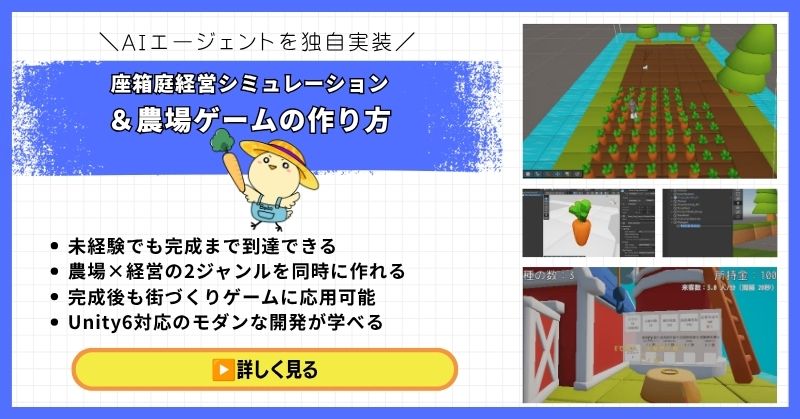
- 未経験でも完成まで到達できる丁寧な解説
- 農場×経営の2ジャンルを同時に作れる
- 賢く自律行動するAIエージェントを独自実装できる
- 完成後も街づくりゲームに応用可能な高い拡張性
- Unity6対応のモダンな開発手法が身につく
経営シミュレーション×農場ゲームの作り方講座は、シムシティ・牧場物語・どうぶつの森のようなゲームを自分で作れるようになる講座です。
農作物の育成・収穫・販売システムはもちろん、NavMeshを使ったお客さんAIの来店・購入・帰宅の自律行動や、ルールベースAIによる従業員エージェントの実装まで、本格的なゲームAI開発が学べます。
箱庭経営シミュレーションという複合的な題材を通して、Unity中級者・上級者に必要な幅広い開発スキルを一気に習得できる講座です。
Unity6対応・AIエージェント実装まで学べる
農場も経営もコレ1本で完成させよう
→ 経営シミュレーション×農場ゲーム講座を見てみる
応用・拡張性は無限大!自律行動するAIを実装して一歩先のゲーム開発へ!
UnityシミュレーションRPGの作り方講座(SRPG)【全16回!本格タクティクスSRPGをゼロから作れる!】
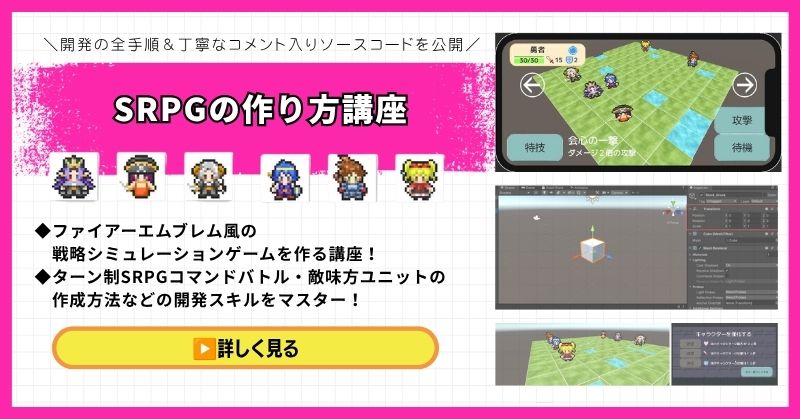
- ファイアーエムブレム風の本格タクティクスSRPGを0から開発
- 書籍でも情報が少ない戦術シミュレーションを丁寧に解説
- 難解なグリッドシステム・敵AI戦術を完全攻略できる
- 全文コメント入りソースコード付きで初心者でも理解しながら進められる
- Unity入門の森の最高傑作の一つ・解説の丁寧さはトップクラス
UnityシミュレーションRPGの作り方講座(SRPG)は、ファイアーエムブレム・タクティクスオウガ・FFタクティクスのようなターン制ストラテジーシミュレーションゲームを作るための講座です。
移動可能エリアの設定・ターン進行管理・コマンド選択型戦闘・敵AI戦術ストラテジーなど、本格SRPGに必要な機能をすべてゼロから開発します。開発難易度が高いシステムも、全文コメント入りのソースコードと丁寧な解説で確実に理解しながら進められます。
「SRPGを作れる」というスキルは希少価値が高く、Unityエンジニアとして中・上級者を目指す人に強くおすすめの一本です。
本格タクティクスSRPGをゼロから完成させる
難解なグリッドシステムと敵AIを完全攻略しよう
→ UnityシミュレーションRPG(SRPG)講座を見てみる
他では学べない当サイト最高傑作!エンジニアとして頭一つ抜ける希少スキルを今すぐ。
Unity ノンフィールドRPG+スレスパ風JRPG講座【Unity6対応!デッキ構築×JRPGをスマホ向けに作れる!】
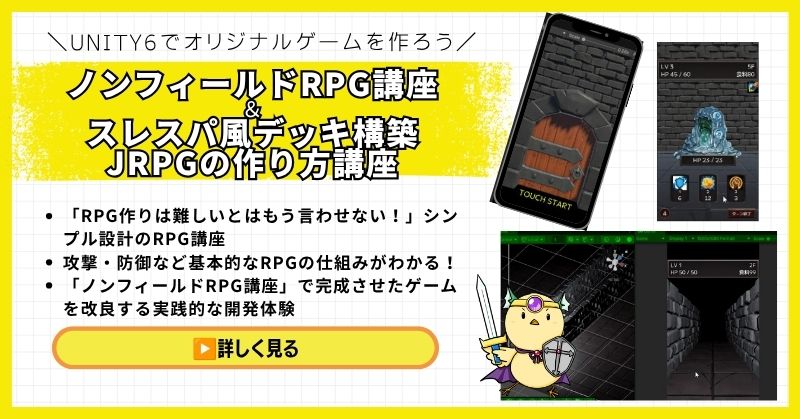
- Unity6対応・スマホ化対応で最新環境のゲーム開発が学べる
- Slay the Spire風のデッキ構築システム×JRPGの組み合わせを実装
- 初心者でも取り組みやすい丁寧な解説構成
- ノンフィールドRPGとデッキ構築JRPGの2つを合わせて学ぶのがおすすめ
Unity ノンフィールドRPGの作り方講座+Slay the Spire風デッキ構築JRPGの作り方講座は、今もっともトレンドのデッキ構築型ゲームシステムをJRPGと組み合わせて実装する方法を学べる講座です。
Unity6対応・スマホ化対応の最新カリキュラムで、デッキ構築の核となるシステムをしっかり習得できます。シミュレーション系の設計思想とも親和性が高く、ゲーム開発の幅を広げたい方にもおすすめです。
「Slay the Spireみたいなゲームを自分でも作ってみたい!」という人の最初の一歩として最適な講座です。
Unity6対応・スマホ化対応の最新カリキュラム
トレンドのデッキ構築×JRPGを最速で実装しよう
→ Slay the Spire風デッキ構築JRPG講座を見てみる
SLGの設計思想とも親和性抜群!トレンドシステムを取り入れて開発の幅を広げよう!
まとめ

支援効果は、まず隣接ボーナスから始めましょう。
シンプルな構造が、拡張しやすくなります。
✅ 今日から始める3ステップ
- ステップ1:隣接ボーナスシステムを実装する(所要2時間)
- ステップ2:支援レベル管理を実装する(所要3時間)
- ステップ3:支援効果をダメージ計算に組み込む(所要2時間)
本格的にUnityを学びたい方は、Unity入門の森で実践的なスキルを身につけましょう。
あなたのペースで、少しずつ進めていけば大丈夫です。
あなたのオリジナルゲーム、今年こそ完成させませんか?
RPG・アクション・ホラー…Unityで本格ゲームを作りたい人のための学習サイトです。
実際に完成するゲームを題材に、
ソースコード・素材・プロジェクト一式をすべて公開。
仕事や学校の合間の1〜2時間でも、
「写経→改造」で自分のゲームまで作りきれる環境です。

コメント